Client timesheet approval, without the email chase
The client approves hours for their own sites from a free login.
Last checked: October 2026. A plain-English summary, not legal advice.
What you can do
Their sites only
The approver sees that client. Another client is a different login.
Approve or reject
Reject needs a reason. Approve can be saved without one.
You lock the week
The client approval does not lock it. The agency does.
How it works
- 1
Add the site
Pin the client site before anyone can clock in there.
- 2
Publish shifts
Drafts stay off the phone until you publish them.
- 3
Clock in
The phone is checked against that site pin.
- 4
Client approves
The approver sees only their own sites, from a free login.
- 5
Lock and export
You lock the week, then download a CSV of the hours.
The week the client is shown
A temp clocks in at the client site, or the hours come from the published shift. They submit the timesheet.
Approve can be saved with an empty reason. Reject cannot.
Locking is the agency's step
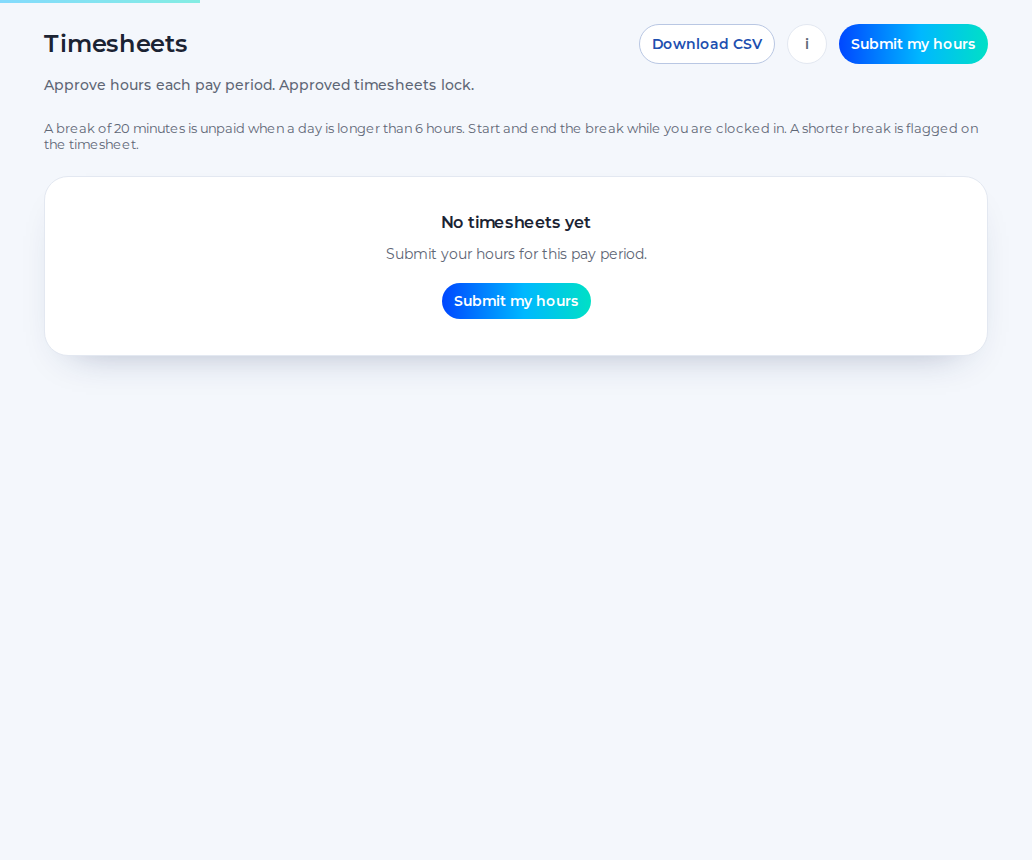
Client approval sets the timesheet to approved by the client and leaves it unlocked. The agency then presses Lock.
Download CSV saves the hours the viewer can see. The columns on the client download are the person, the site, the date, the start, the end, the status, the hours and the comment.
Who can be invited
Invite the person at the client who will approve. The invite lasts 7 days. They are a client user, linked to that client, and they are not billed. The invite is on the paid plan. A 14-day trial of the paid plan does not ask for a card. Inviting them does not start that trial.
They only see that client's sites. If the client has several sites, those sites are in the same login.
Questions
Does the client's approval lock the week?
No. The agency locks the week after the client has approved. Until then the timesheet stays unlocked.
Does Shiftbrook chase the approver?
No. There is no weekly reminder email. You can see that the shifts are still waiting, and you contact the client yourself.
Can the approver see every client?
No. They see the sites of the client they were invited for. A different client needs a different approver login.
The week the client is shown
The client opens Timesheets and sees the shifts for their sites. Another client's week is not in that login. The status stays waiting until they approve or reject each shift.
The field says the reason is required only if they reject. That reason is what the agency sees. It is a rejection with a comment, not a separate query mailbox, and not a weekly chaser. Shiftbrook does not send the approver a reminder email.
Locking is the agency's step
Until the client has approved, Lock is refused. After the agency locks, the week is the agreed hours. Reopening is a separate agency action, and it does not pretend the approval never happened.
That is a download of hours for the sites they can see. It is not an invoice, and it is not a pack ready to attach to one. You do your own invoicing and your own pay outside Shiftbrook.
Approved hours can be sent to Xero Payroll UK as draft timesheets on the paid plan. Shiftbrook does not approve a pay run.
Who can be invited
They do not see your other clients, your office, or your whole rota. The page for clients is the short explanation you can send them. The agencies overview is the longer one for you. Timesheets describes the same approval on an employer account, where a manager approves and the sheet locks in that step.
Sources
Start free as an agency
A 14-day trial of the paid plan does not ask for a card. Inviting an approver does not start it.