Client timesheet sign-off for temp agencies
Send the client a login for their sites. They approve each shift, or they reject it with a reason. You lock the week after that and download the hours. The approval does not pay anyone, and it does not lock the week by itself.
Sign-off is a login, not an email thread
Temp hours used to come back as a spreadsheet, a photo of a paper sheet, or a reply that said "looks fine" with no date on it. The client login replaces that. The person at the client opens Timesheets and decides the shifts for their sites. They do not see your other clients. They do not clock in. They do not submit a sheet of their own.
The invite lasts 7 days. It is free. Client sign-off is on the paid plan. You can add the client and the sites before that plan is on. Inviting the approver does not, by itself, change the plan.
Approve, or reject with a reason
A waiting shift can be approved with an empty reason. Reject cannot. The screen says the reason is required only if they reject. That reason is how a dispute is recorded. There is no second thread and no weekly chaser email. If the row still says it is waiting for the client, you contact them yourself.
Agree, as a practice, which person at the client will do this. The product will send the invite you create. It does not assign a rota of approvers, and it does not limit you to a slogan about one name per site. One clear person is how the week gets decided. Several logins are not a feature this article is selling.
The lock is yours
When the client approves, the timesheet is marked approved by the client and it stays unlocked. You press Lock. Until they have approved, Lock is refused. After you lock, the week is the agreed hours. Download CSV saves the hours you can see. On the client download the columns are the person, the site, the date, the start, the end, the status, the hours and the comment. That is hours for the sites in front of them. It is not an invoice and it is not a pay file.
Approved hours can be sent to Xero Payroll UK as draft timesheets on the paid plan. Shiftbrook does not approve a pay run.
What the worker is told
The temp is invited by email. The message points them at the install page, tells them to clock in at the client site, and tells them to open Rota for published shifts. Questions about the placement go to the agency, not the client. The client is approving hours. They are not the helpdesk and they are not, inside this product, the employer.
A punch outside the pin is refused, unless you have set the organisation to flag those punches. A flagged punch needs a reason. A time you type for them needs a note and is flagged. The client can reject that shift if the story does not match the site.
A cut-off you keep yourself
The product does not pick a day of the week and email the client. You decide when the week should be decided, and you tell them. If the rows still say they are waiting, that is the whole reminder the screen gives you. There is no second mailbox and no automatic chase. A reason on a rejected shift is the written query. It stays on that shift. You can approve the other shifts in the same week. The rejected one stays rejected until the hours change and the client is asked again. The product does not reopen a rejected shift because a calendar date passed.
What you hand on
Download CSV is the file. On the client side the columns are the person, the site, the date, the start, the end, the status, the hours and the comment. Use that when the comment is the dispute. Your own download is the hours you can see, which on an agency account is the week you are about to lock. Neither file is an invoice. Neither file is a pay run. A charge rate is not on the shift, so it cannot appear in the file. Approved hours can be sent to Xero Payroll UK as draft timesheets on the paid plan. Shiftbrook does not approve a pay run.
If the phone was outside the pin, the punch was refused, or it was flagged with a reason when the organisation is set that way. A time you typed needs a note and is flagged. The client can reject that shift. The reason they type sits next to the note you typed. That is the whole conversation the product stores. A paper sheet cannot keep those two sentences on the same line.
What this means for your rota
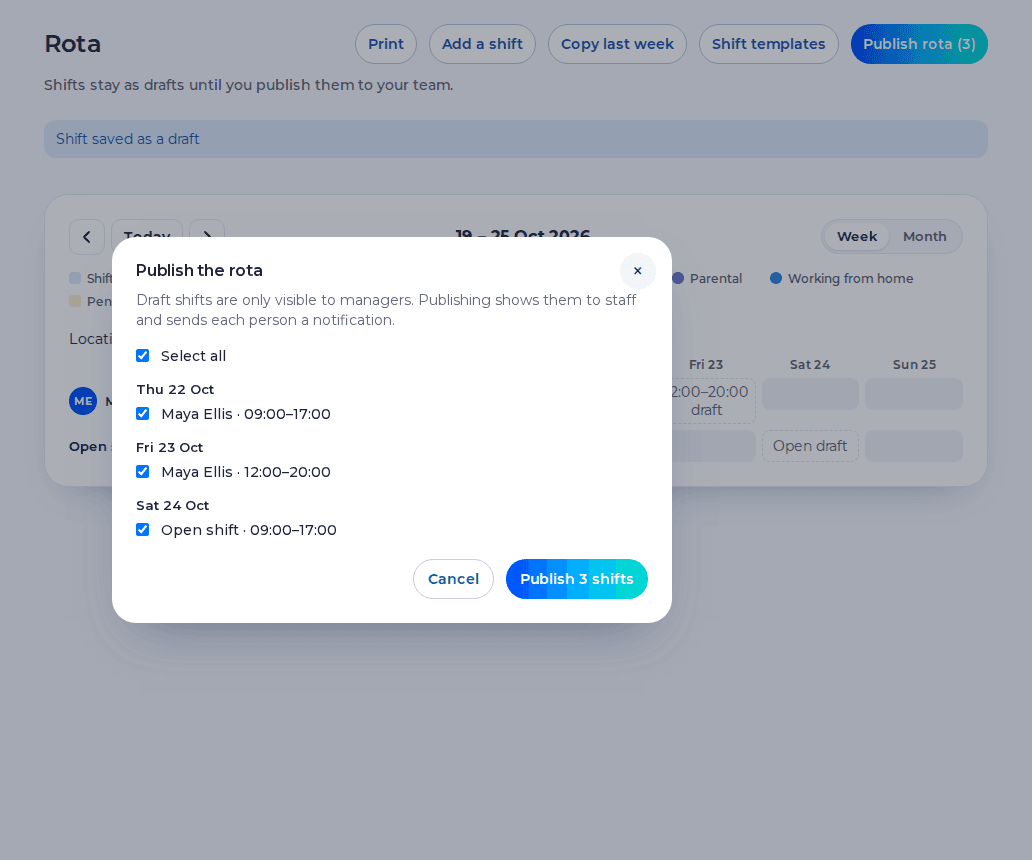
Publish only the shifts you want the client to judge. A draft never reaches them as a promise, because staff do not see drafts, and a timesheet is built from the clock or from the published shift. If the client rejects Thursday, fix Thursday in the record and publish next week so the same argument does not repeat. The client approval page is the short version. The agencies page is the whole flow. Timesheets is the same screen on an employer account, where a manager approves and the sheet locks in that step.
The page you can send the client says the same thing in their words: free login, their sites, approve or reject, no payment from the screen.
Does the client see every site I run?
No. They see the sites of the client they were invited for. Another client is a different login.
What if they disagree with one shift?
They reject that shift and give a reason. The rest of the week can still be approved. You see the reason on the timesheet.
Who locks the week?
The agency locks it after the client has approved. The client's decision leaves the timesheet unlocked.
Related
The first organisation is free for up to 5 staff. The paid plan is £3 per user per month, with a £15 minimum. You can use the paid plan for 14 days before the first payment, and that period does not ask for a card. An agency pays £5 per active worker per month, with a £25 minimum. Client approvers are free and do not count.
Start free Log in