A sick night is a phone chain
Someone calls in after the day team has left. The cover depends on who answers, and the wall chart is already wrong.
IndustriesCare homes
Plan the day shift, the night and the handover in one week. Carers see the care home rota on their phone, clock in at the home, and you approve the hours.
Free for up to 5 staff. A 14-day trial needs no card.
Someone calls in after the day team has left. The cover depends on who answers, and the wall chart is already wrong.
A finish at 8am and a start the same afternoon can miss the rest between them. The paper list does not say so.
A request that lives in a notebook is invisible when you are covering the night. Two people can be off before anyone notices.
What you get
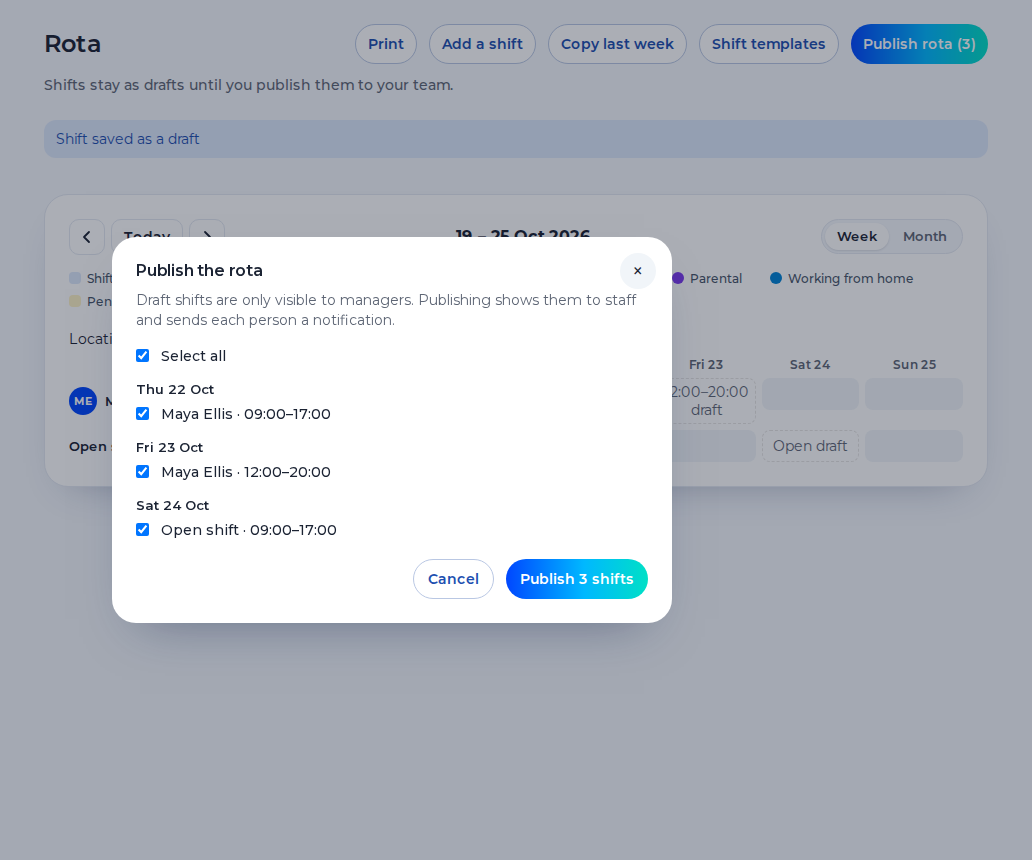
Put the day and the night on the week as the shifts you publish. Saving a shift warns you about the 48-hour average, short rest and a missing weekly break. The warning never blocks the save. You still decide.
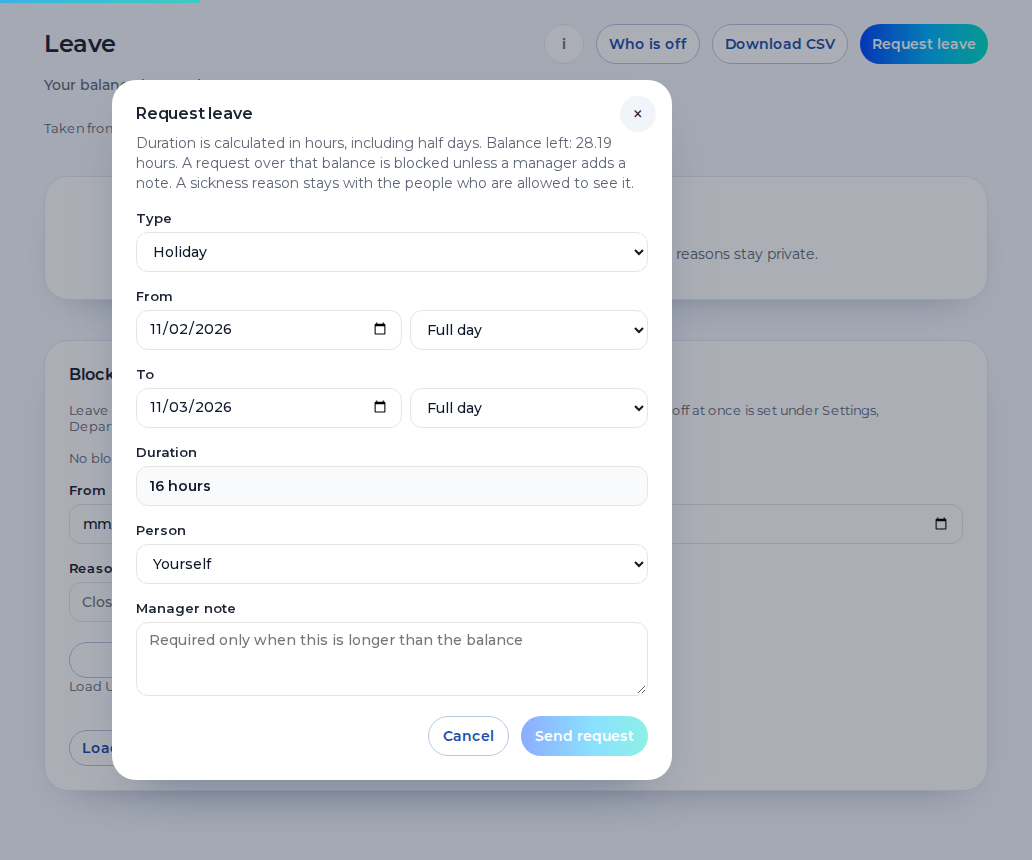
Carers request holiday from their phone. Leave and sickness sit on the rota, so you can see the gap before you publish the night. A sickness reason stays private.
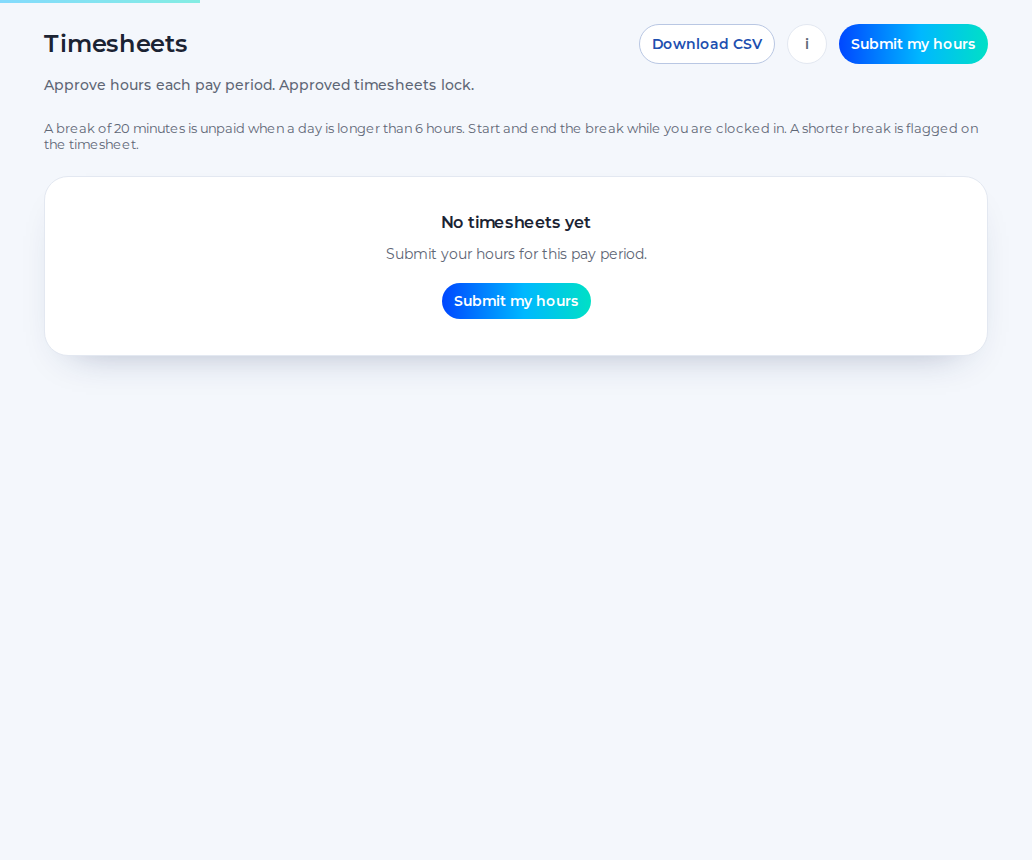
Staff submit the hours, you approve them, and the approved hours download as a CSV. Approved hours can be sent to Xero Payroll UK as draft timesheets on the paid plan. Shiftbrook does not approve a pay run.
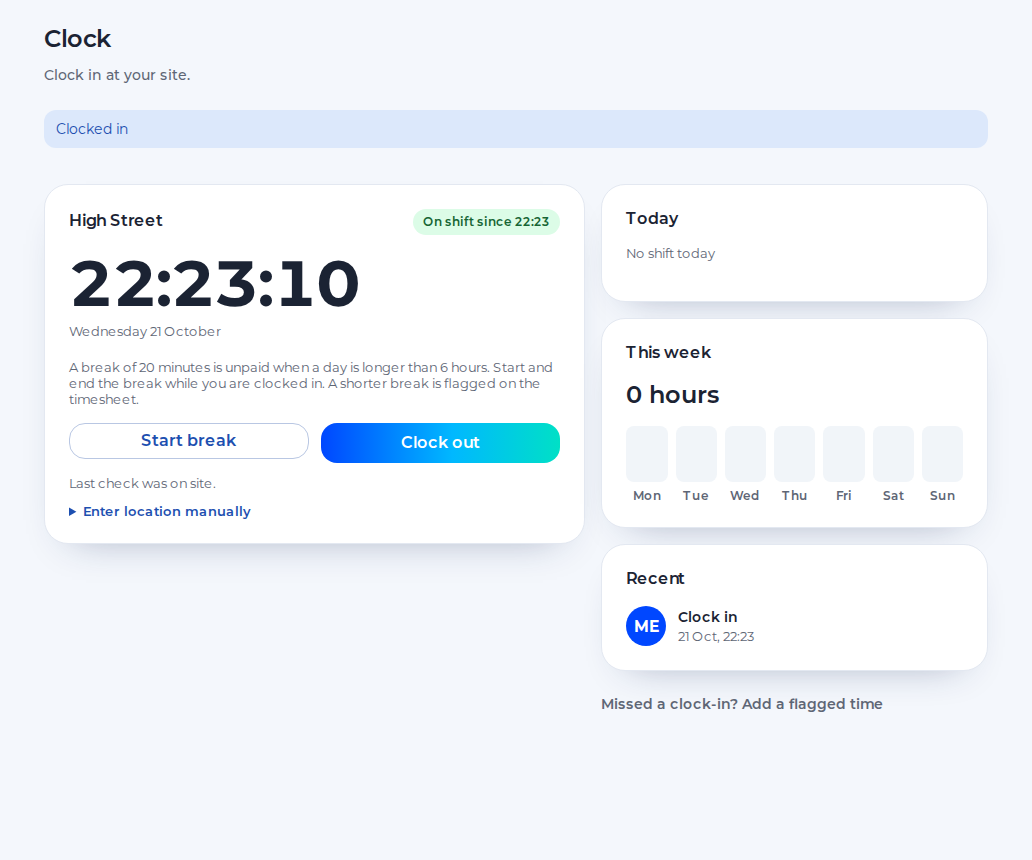
Carers clock in on their phone against the pin for that home. The default radius is 100 metres, set anywhere from 25 to 1,000. The phone is not tracked between punches. There is no photo.
A care home rota the manager, the nurse on shift and the carer can all read.
You see days, nights and approved hours for the home. A second home is a further location on the paid plan.
You cover a sick night with an open shift, approve a swap and keep the handover on the published week.
You see your published shifts on your phone, request leave, ask to swap and clock in at the home.
An example day. Names and times are for illustration.
19:30
The night team clocks in at the home. The day team is still on the week until they clock out.
20:10
A carer cannot come in. You record the sickness, the reason stays private, and you publish an open shift for the rest of the night.
21:00
Someone accepts the open shift. The week shows who is now on nights. A warning can flag short rest. It does not block the save.
7:30
The night clocks out and the day team clocks in. Unpaid breaks come off the hours. You approve the timesheet later.
One organisation, one location and up to 5 staff, for as long as you like.
The 14-day trial of the paid plan does not ask for card details.
When the trial ends, the organisation returns to the free plan.
The paid plan is £3 per user per month, with a £15 minimum.
Shiftbrook records who is on shift and the hours. It is not the care record.
It is not a care plan, a care record or a medication system. Those stay in the system you already use for care.
A sickness reason on the rota is about the employee’s absence. It is not a resident note.
It does not calculate pay or a night premium. Payroll applies the contract to the approved hours.
Clock-in needs a pin on the home. There is no photo and no continuous tracking.
A night worker regularly works at least three hours in night time. Unless an agreement says otherwise, night time is 11pm to 6am. Normal hours for a night worker must not exceed an average of eight hours in 24. Offer a free health assessment before night work starts and at regular intervals. There is no higher National Minimum Wage for nights. A night that is worked through is not a sleep-in. Do not treat a waking night as if the person was expected to sleep. Shiftbrook records the shift you publish. It does not decide the health assessment, and it does not multiply the hour.
An adult should have 11 hours between working days, and a weekly rest of 24 hours or 48 hours a fortnight. The warning on save can say when a handover misses that. It does not delete the shift. When a date of birth is on the profile and the person is under 18, tighter limits apply, usually 8 hours a day and 40 a week, with no opt-out. If the date of birth is blank, those limits are not guessed. The free plan is one location. A second care home is a further location on the paid plan, with its own pin. This page is not legal advice.
Domiciliary care rota software is not a separate product here. A visit is a shift you publish, with a start, an end and a place. Homecare rostering software, in the sense of a list of calls, is the same week. Shiftbrook does not plan a round, and it does not store a care plan. The carer sees the published shift on their phone and clocks in against that site pin.
Record the sickness on the week. The reason stays private to the person and their manager. Publish an open shift for the hours you still need. Someone can pick it up. A warning can flag short rest. It does not block the save.
Yes. Saving a shift can warn you about the 48-hour average, 11 hours between shifts and the weekly rest. The warning does not refuse the save. If a date of birth shows the person is under 18, the tighter limits apply. If it is blank, they are not guessed.
Yes. Published shifts are on their phone, and in their own calendar if they subscribe. They request holiday from the phone. Drafts stay hidden until you publish.
The free plan is one location and up to 5 staff. Further homes are locations on the paid plan, which the 14-day trial includes. Each home needs its own pin.
No. It does not store a care plan, a care record or a medication chart. It records who is on shift, the leave and the approved hours.