6am and the late close are the same names
The week looks even until you notice one person has the open and the close too close together. A paper rota hides the gap.
IndustriesGyms and leisure
Gym scheduling software for the people who open the floor, cover the desk and lock up. Staff see their shifts on their phone, clock in at the site, and you approve the hours.
Free for up to 5 staff. A 14-day trial needs no card.
The week looks even until you notice one person has the open and the close too close together. A paper rota hides the gap.
You need more people on the floor in the holidays and fewer in a quiet week. That is how you publish the week. It is not a forecast.
A message fills tonight’s shift, and the published week still shows a hole. The open shift should be the record.
What you get
A 6am open and a late close are shifts on the week. Saving can warn you about short rest, the 48-hour average and a missing weekly break. The warning does not block the save. Nothing fills the week for you.
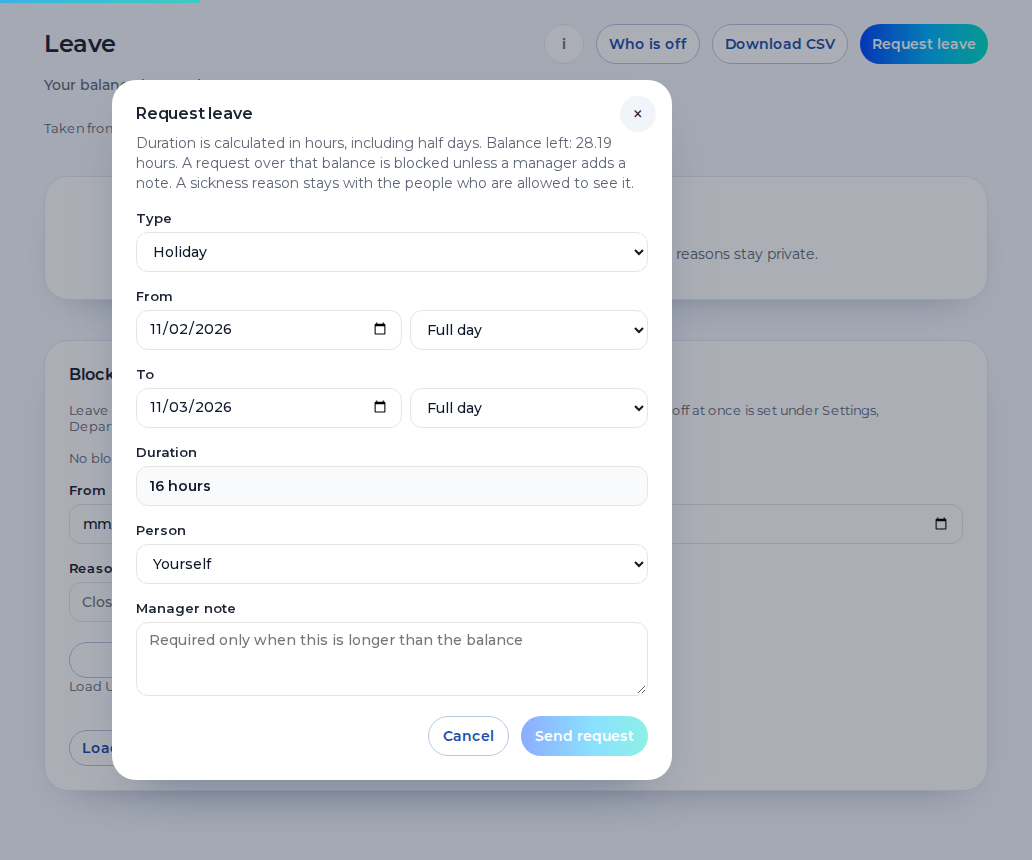
Staff request holiday from their phone. Leave and sickness sit on the week, so a 6am open is not quietly published onto a day off. A sickness reason stays private.
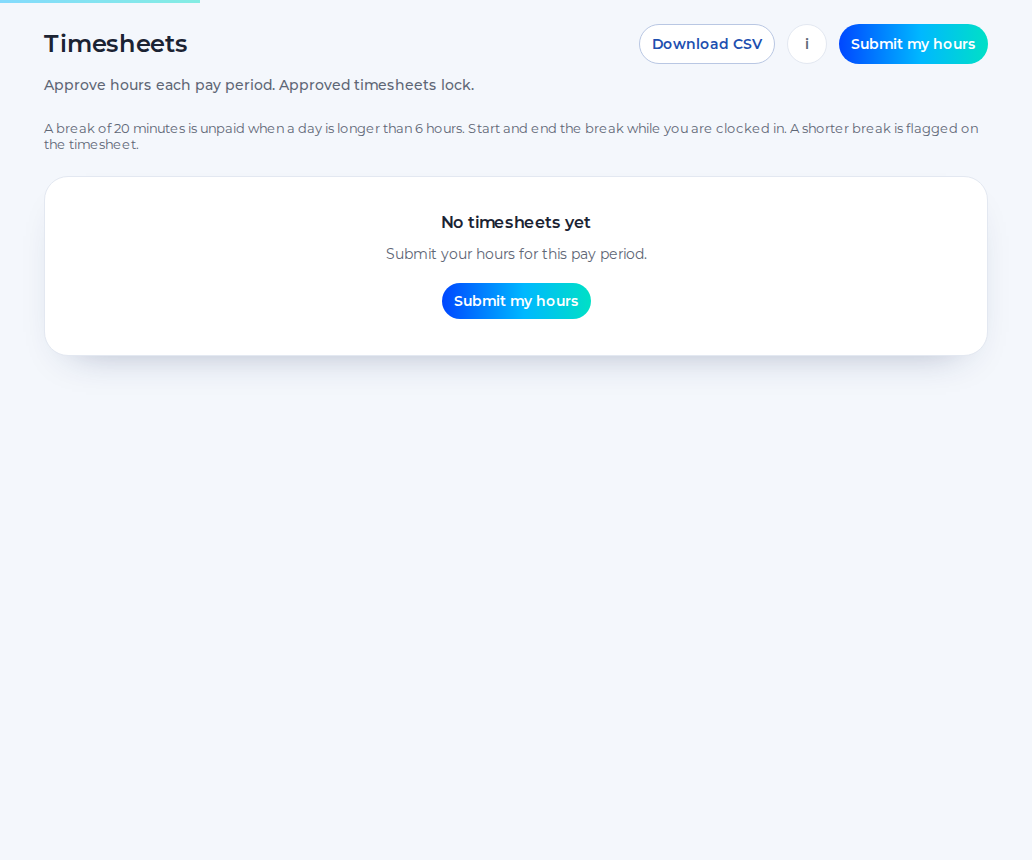
Staff submit timesheets, you approve them, and the approved hours download as a CSV. Approved hours can be sent to Xero Payroll UK as draft timesheets on the paid plan. Shiftbrook does not approve a pay run.
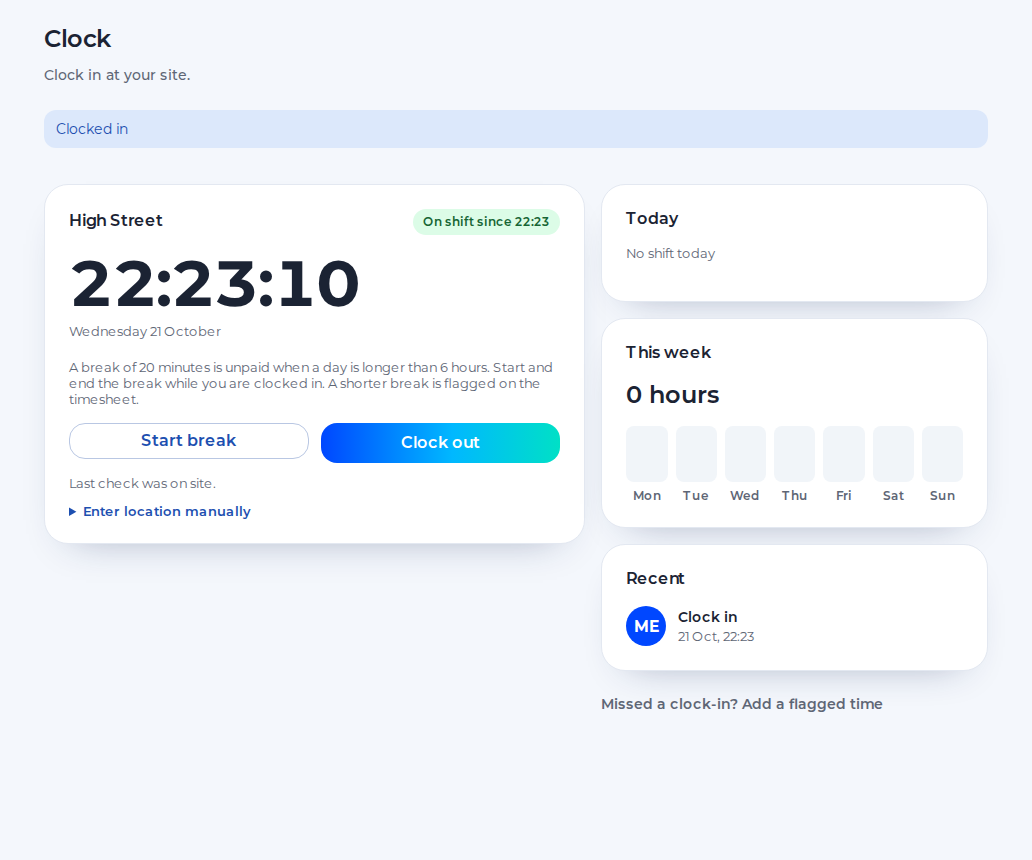
Staff clock in on their phone against the site pin. The default radius is 100 metres, set from 25 to 1,000. Unpaid breaks are deducted. There is no photo.
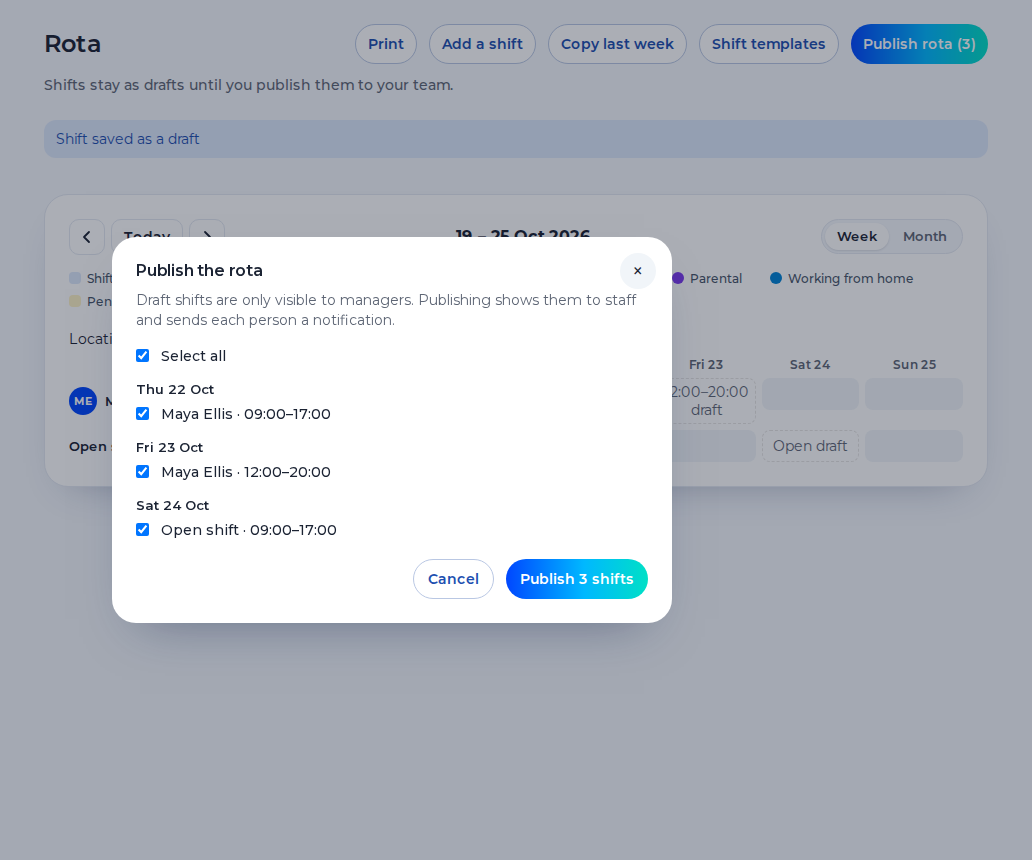
The same week for a gym floor and a leisure centre rota.
You see the opens, the closes and the approved hours. A second centre is a further location on the paid plan.
You publish the week, cover sickness with an open shift and approve swaps, holiday and timesheets.
You see your shifts on your phone, request holiday, ask to swap and clock in when you reach the site.
An example day. Names and times are for illustration.
6:00
The opener clocks in at the site pin. The week shows who else is on the floor and the desk.
10:00
Someone calls in. You record it, keep the reason private, and publish an open shift for the afternoon.
14:00
A casual member of staff picks up the open shift. People who have joined, plus open invites, count towards the free limit of 5.
21:30
The closer clocks out. Unpaid breaks come off the hours. You approve the timesheet and download the CSV.
One organisation, one location and up to 5 staff, for as long as you like.
The 14-day trial of the paid plan does not ask for card details.
When the trial ends, the organisation returns to the free plan.
The paid plan is £3 per user per month, with a £15 minimum.
Shiftbrook is the staff week. It is not the membership system.
It does not take class bookings, sell memberships or show a class timetable to customers.
Seasonal staff scheduling is how you publish a busier or a quieter week. The product does not predict the floor.
It does not calculate pay. Approved hours download as a CSV.
It does not build the week from preferences. You place the shifts.
A leisure centre rota in summer is more shifts than a quiet February. You add the shifts you need and leave the others off. That is seasonal staff scheduling: the week you publish, not a forecast of how full the floor will be. Casual staff are people you invite. The free plan counts people who have joined, plus open invites, towards 5. Leavers do not count. Past that, the 14-day trial of the paid plan can start once, with no card.
A 6am open and a late close need rest between them. Saving the week can warn you about 11 hours between shifts, the weekly rest and the 48-hour average. The warning does not block the save. Copying a quiet week does not invent the summer shifts. You add those yourself, including the extra desk cover and the later close, then publish that week for the team. An adult shift over six hours is one 20-minute break under the usual rule. Holiday for a regular pattern starts from 5.6 weeks. The allowance is one you set. This page is not legal advice.
Members, classes and direct debits stay in the system that runs the club. Shiftbrook does not see them. The rota is the staff. Clock-in is the phone against the site pin, with no photo. A second site is a further location on the paid plan, with its own pin. Approved hours can be sent to Xero Payroll UK as draft timesheets on the paid plan. Shiftbrook does not approve a pay run.
You can record contracted hours and days on the person. Leave in hours uses those figures so a shorter week is counted properly. The rota still shows the shifts you publish. It does not fill the week up to the contract. The free plan includes one department. A reception desk and a fitness floor can be further departments on the paid plan, still on one week. When a date of birth is on the profile and the person is under 18, tighter limits apply, usually 8 hours a day and 40 a week, with no opt-out. If the date of birth is blank, those limits are not guessed.
Yes. They are shifts you publish. Saving the week can warn you when the gap between a late close and the next open is short. The warning does not block the save.
Publish the shifts you need and leave the quiet days empty. Shiftbrook does not forecast how busy the floor will be. A busier week is more shifts, not a separate seasonal mode.
Yes. You invite them like anyone else. People who have joined, plus open invites, count towards the free limit of 5. The rota shows the shifts you publish for them.
The other person has to accept, and a manager approves the swap when that step is on. A chat agreement does not change the published week.
No. It does not take class bookings or run memberships. It is the staff rota, the clock-in, the leave and the approved hours.