Drivers and the depot are two lists
The board in the office and the list in the cab drift apart. A sick driver and a short-handed desk should be the same week.
IndustriesTransport
Transport scheduling software for the people who drive and the people at the depot. They see their shifts on their phone, clock in at the depot, and you approve the hours.
Free for up to 5 staff. A 14-day trial needs no card.
The board in the office and the list in the cab drift apart. A sick driver and a short-handed desk should be the same week.
A late finish and an early start can miss the gap. You want the warning when you save, not when someone is already out.
Approved hours should download as a file. They should not be typed again from a paper day sheet.
What you get
A driving shift and a depot shift sit on the same week. Saving can warn you about the 48-hour average, short rest and a missing weekly break. The warning does not block the save. It does not plan a route.
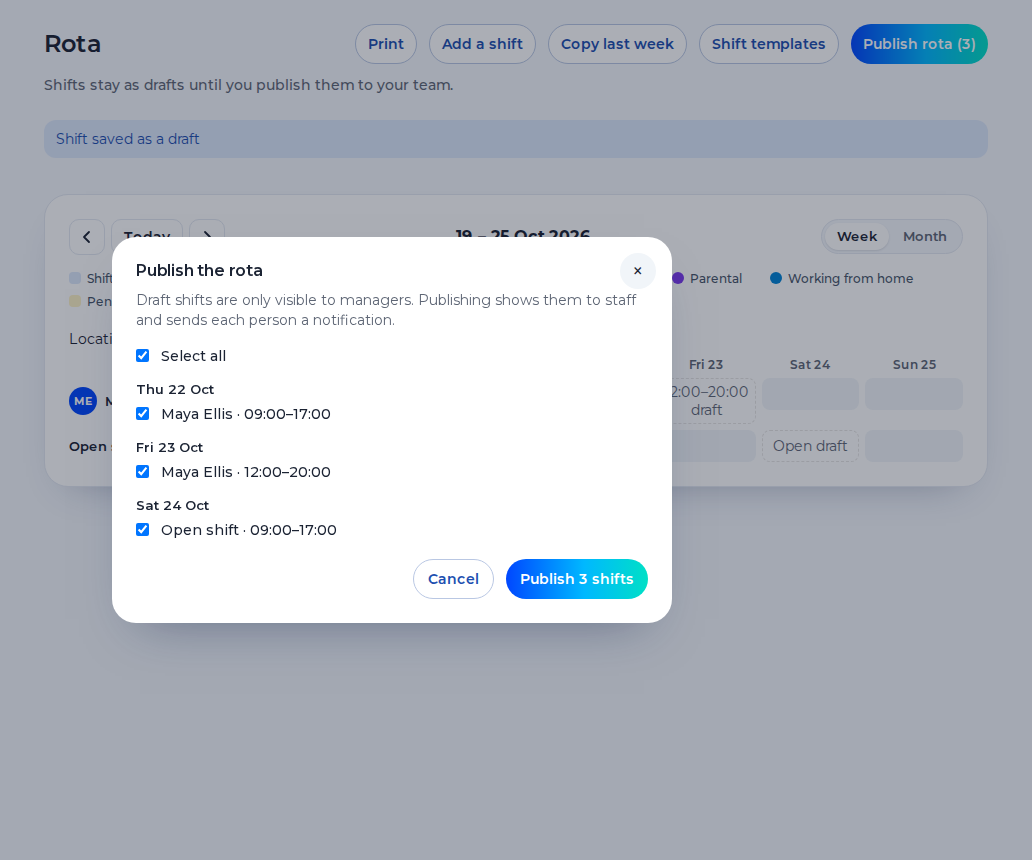
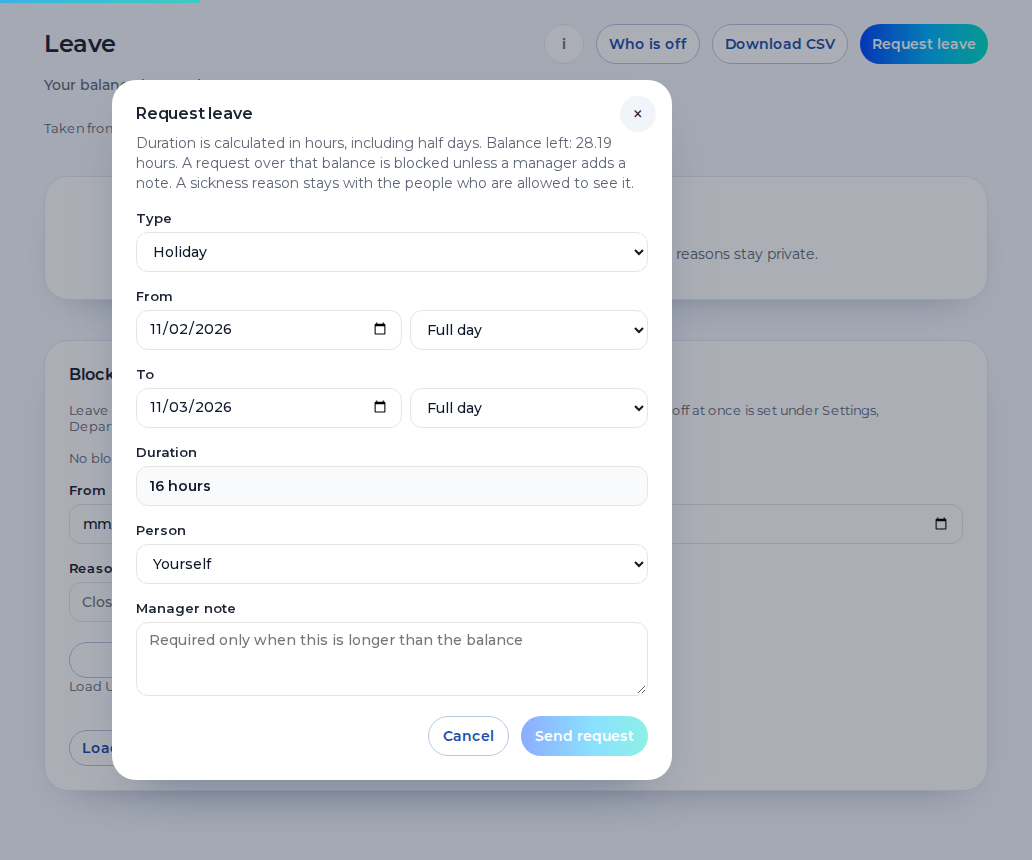
Drivers and depot staff request holiday from their phone. Leave and sickness sit on the rota, so you can see the gap before you publish. A sickness reason stays private.
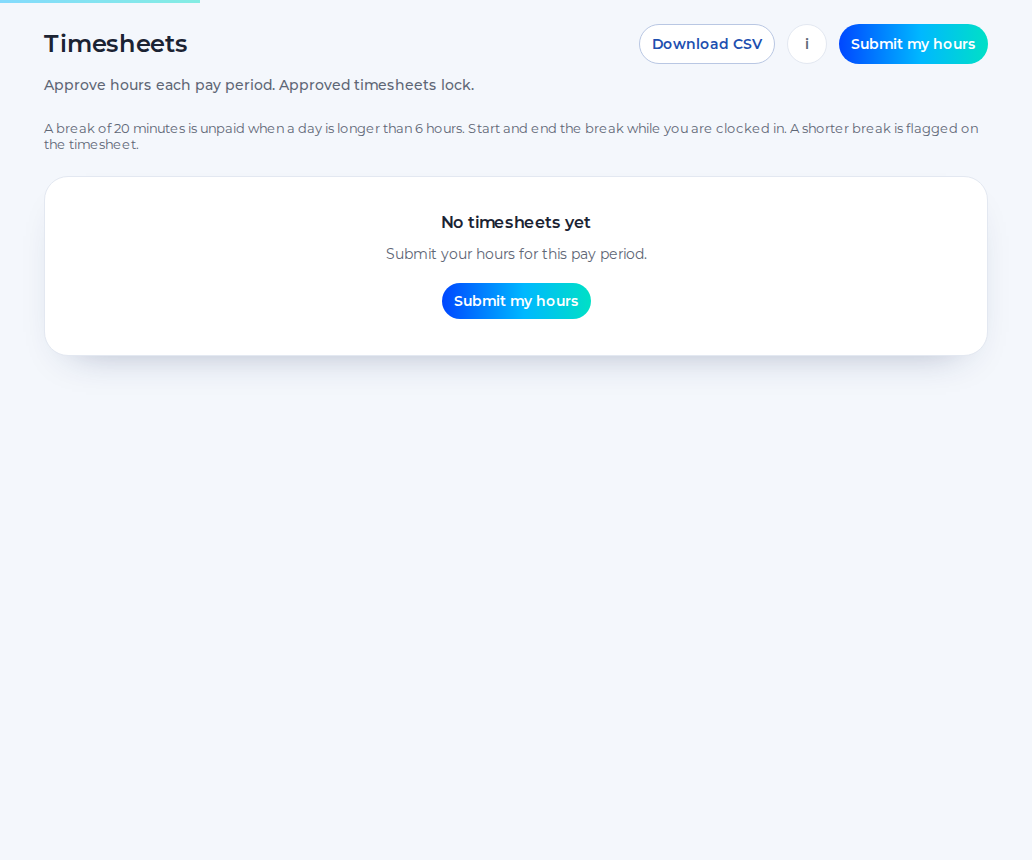
Staff submit the hours, you approve them, and the approved hours download as a CSV. Approved hours can be sent to Xero Payroll UK as draft timesheets on the paid plan. Shiftbrook does not approve a pay run.
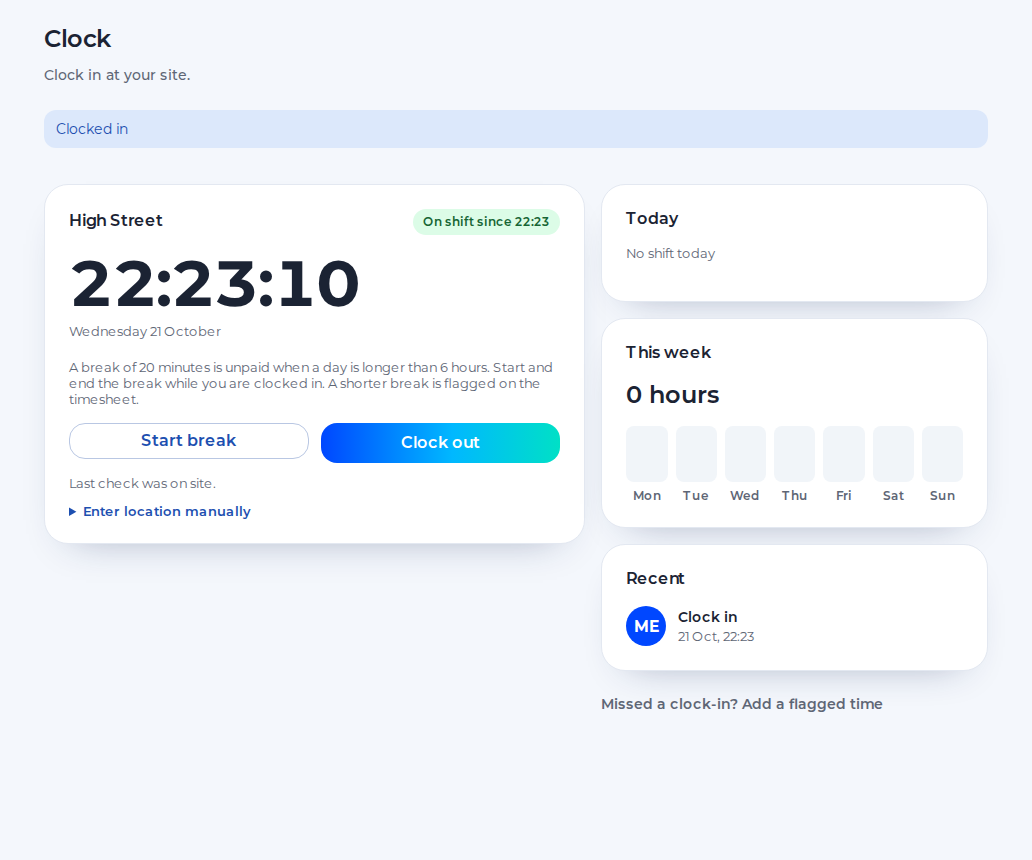
Staff clock in on their phone against the depot pin. The default radius is 100 metres, set from 25 to 1,000. The punch is that moment. It is not a tachograph and not a trace of the route.
One depot rota for the people who go out and the people who stay.
You see drivers and depot staff on one week, and every approved hour. A second depot is a further location on the paid plan.
You publish the shifts, cover sickness with an open shift and approve swaps, holiday and timesheets.
You see the published shift on your phone, request leave, ask to swap and clock in at the depot.
An example day. Names and times are for illustration.
5:30
Drivers and the desk clock in at the depot pin. The week shows who is on which shift.
6:00
The driving shift is the hours you published. Shiftbrook does not plan the stops or follow the vehicle.
9:30
A driver is off. You record it, keep the reason private, and publish an open shift if the hours still need a person.
14:00
Back at the depot they clock out. You approve the timesheet and download the CSV. Pay stays outside.
One organisation, one location and up to 5 staff, for as long as you like.
The 14-day trial of the paid plan does not ask for card details.
When the trial ends, the organisation returns to the free plan.
The paid plan is £3 per user per month, with a £15 minimum.
Shiftbrook is the shift and the hours. It is not the vehicle.
It does not plan routes, stops or a delivery order.
It does not read a tachograph or track driving hours on the road. Rest warnings are the working-time warnings on the rota.
Clock-in is the phone at the depot pin. The phone is not followed after that.
It does not calculate pay. Approved hours download as a CSV.
A bus driver rota, in this product, is the shift you publish for that person: a start, an end, a break and the depot. It is not a timetable and not a route. Copying last week repeats that week. It does not build the next diagram for you, and it does not move a driver onto a different depot. Depot staff can be on the same week, in the same organisation. The free plan is one location and up to 5 staff. A second depot is a further location on the paid plan, with its own pin. Drafts stay off phones until you publish.
Saving a shift can warn you about the 48-hour average, 11 hours between working days and the weekly rest. Those are working-time warnings. They are not tachograph hours, and they do not read a card in the cab. The warning does not block the save. An adult shift over six hours is one 20-minute break under the usual rule. This page is not legal advice.
Drivers clock in at the depot pin. The default radius is 100 metres, and you can set it from 25 to 1,000. There is no photo. The phone is not tracked between punches. Approved hours download as a CSV, including approved driver hours. On the paid plan they can be sent to Xero Payroll UK as draft timesheets. Shiftbrook does not approve a pay run, and it does not plan where the vehicle goes.
A sick driver is a sickness record on the week. The reason stays private to the person and their manager. If the hours still need someone, publish an open shift. Another person can accept a swap, and a manager approves it when that step is on. A message in a group chat does not change the published week. You can record contracted hours on the person so leave in hours counts a shorter week properly. The rota does not fill itself up to that contract, and it does not know the driving hours already worked for another operator.
Yes. They are people in the same organisation, on one week. A driving shift and a depot shift are both shifts you publish. The product does not split them into two systems.
They clock in on their phone. The punch is checked against the depot pin. The default radius is 100 metres, and you can set it from 25 to 1,000. There is no photo.
Saving the week can warn you about 11 hours between shifts, the weekly rest and the 48-hour average. That is a working-time warning. It is not a tachograph reading, and it does not block the save.
Yes. Approved hours download as a CSV. On the paid plan they can be sent to Xero Payroll UK as draft timesheets. Shiftbrook does not approve a pay run.
No. It does not plan routes, follow a vehicle or read tachograph hours. The rota is the shift, and clock-in is the punch at the depot pin.