Departments plan on different bits of paper
Housekeeping has a list, the desk has another, and the bar has last week’s close. A busy Saturday needs people to move, and nobody is looking at the same week.
IndustriesHotels
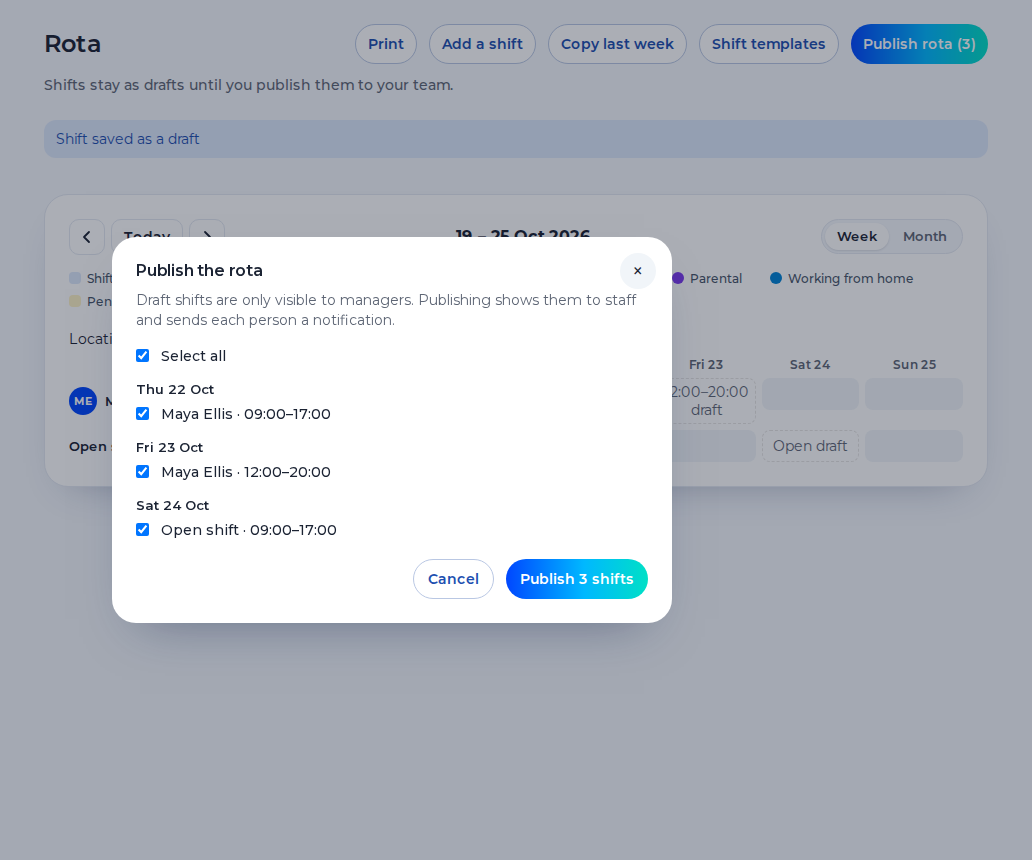
Housekeeping, the front desk and the bar share one hotel rota. Staff see their shifts on their phone, clock in at the hotel, and you approve the hours.
Free for up to 5 staff. A 14-day trial needs no card.
Housekeeping has a list, the desk has another, and the bar has last week’s close. A busy Saturday needs people to move, and nobody is looking at the same week.
The night is a shift like any other, but it is easy to give the same person every unsocial finish without seeing the pattern.
A request left at the desk is not on the week. You can say yes to two people for the same bank holiday.
What you get
Housekeeping, the desk and the bar are shifts on the same week. Saving a shift warns you about the 48-hour average, short rest and a missing weekly break. The warning never blocks the save. There is no automatic fill.
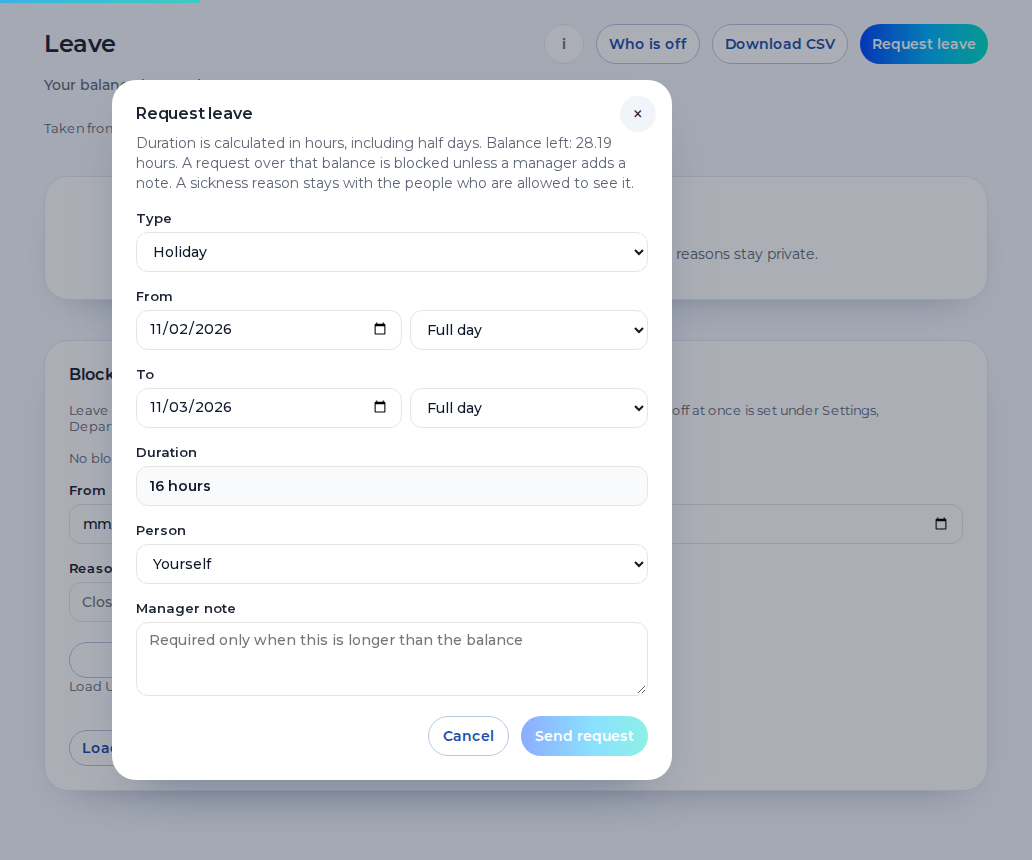
Staff request holiday from their phone and you approve it with the week in front of you. Leave and sickness sit on the rota. A sickness reason stays private to the person and their manager.
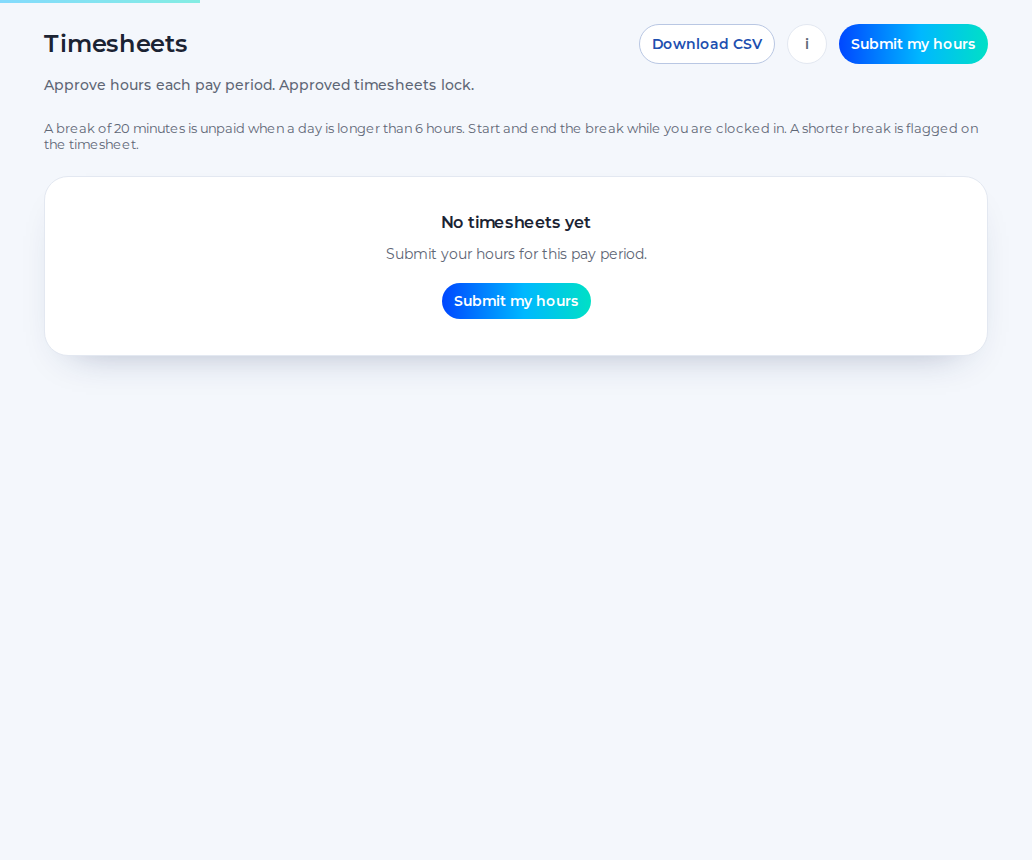
Staff submit timesheets, you approve them, and the approved hours download as a CSV. Approved hours can be sent to Xero Payroll UK as draft timesheets on the paid plan. Shiftbrook does not approve a pay run, and it has no rate on the shift.
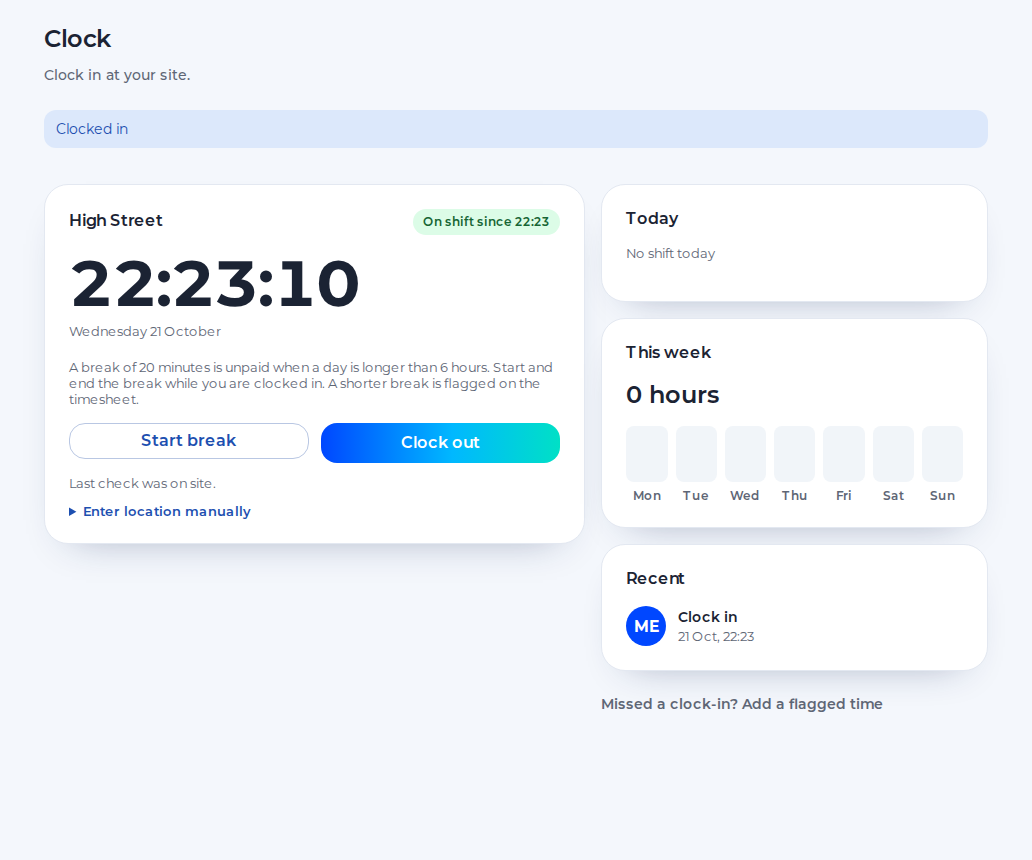
Staff clock in on their phone against the pin you set for the hotel. The default radius is 100 metres, and you can set it from 25 to 1,000. Unpaid breaks are deducted. There is no photo.
Hotel workforce management for the people who run the building.
You see every department and every approved hour. A second hotel is a further location on the paid plan.
You edit the week, move a person by changing the shift, and approve swaps, holiday and timesheets.
You see the published shift on your phone, request holiday, ask to swap and clock in when you reach the hotel.
An example day. Names and times are for illustration.
7:00
The morning team clocks in at the hotel pin. The week shows who is on rooms and who is on the desk.
14:00
You move someone from the bar onto the desk by editing the shift. The published week updates. It is not a second system.
23:00
The night is a shift you publish. The rota shows who has it. It does not score whether the nights are shared fairly.
7:30
The night clocks out and the next morning clocks in. A warning can flag too little rest. It does not block the save.
One organisation, one location and up to 5 staff, for as long as you like.
The 14-day trial of the paid plan does not ask for card details.
When the trial ends, the organisation returns to the free plan.
The paid plan is £3 per user per month, with a £15 minimum.
Shiftbrook is the rota and the hours. It is not the property system.
It does not connect to a booking system or a property system, and it does not see occupancy.
It does not calculate a night allowance. Any extra is the contract, applied in payroll.
Night audit is the shift you publish. The product does not score whether the share is fair.
Clock-in needs a pin on the hotel. There is no photo.
The free plan includes one department and one location. Further departments, and a second hotel, are on the paid plan. People can still share one week. Moving someone for a busy weekend is an edit to that week, not a transfer between products. Drafts stay off phones until you publish.
A night worker regularly works at least three hours in night time. Unless an agreement says otherwise, night time is 11pm to 6am. Normal hours for a night worker must not exceed an average of eight hours in 24, and a free health assessment is part of the rule. There is no higher National Minimum Wage for nights. Shiftbrook does not multiply the hour. An adult should have 11 hours between working days. The warning on save will say when the gap is shorter. It will not delete the shift. This page is not legal advice.
Approved hours download as a CSV. On the paid plan they can be sent to Xero Payroll UK as draft timesheets. Shiftbrook does not approve a pay run. Holiday for a regular week starts from 5.6 weeks, capped at 28 days. The allowance is one you set. The product stores the time off. It does not pay it.
Staff request holiday from their phone. You approve it with the week in front of you, so two people are not both off the desk for the same bank holiday by accident. Leave can be in days or hours. Irregular hours can accrue at 12.07% of approved timesheet hours. That figure is the allowance rule, not a wage. The holiday pay calculator on this site is an estimate from numbers you type. Shiftbrook does not calculate holiday pay.
Moving someone from housekeeping to the desk is an edit to the shift. Publish it and the phone updates. Drafts stay hidden until you do. The free plan includes one department and one location. Further departments, and a second hotel, are on the paid plan. Each hotel needs its own pin. A punch is the phone at that moment, not a photo, and the phone is not tracked between clock-in and clock-out.
Yes. They are people on one week. The free plan includes one department. Further departments are on the paid plan. It is still one rota, not three products.
You publish the night shifts you want people to work. The rota shows who has them. Shiftbrook does not score whether the share is fair, and it does not calculate a night premium.
Yes. Edit the week and publish the change. Further departments are on the paid plan. Moving a person is a change to the shift, not a separate transfer tool.
They request it from their phone. You approve or decline it with the week in front of you. Leave sits on the same grid as the shifts, so a day off is visible before you publish.
No. It does not connect to a booking system or a property system. It does not see reservations or occupancy. The rota is who is working, and the timesheet is the hours.